
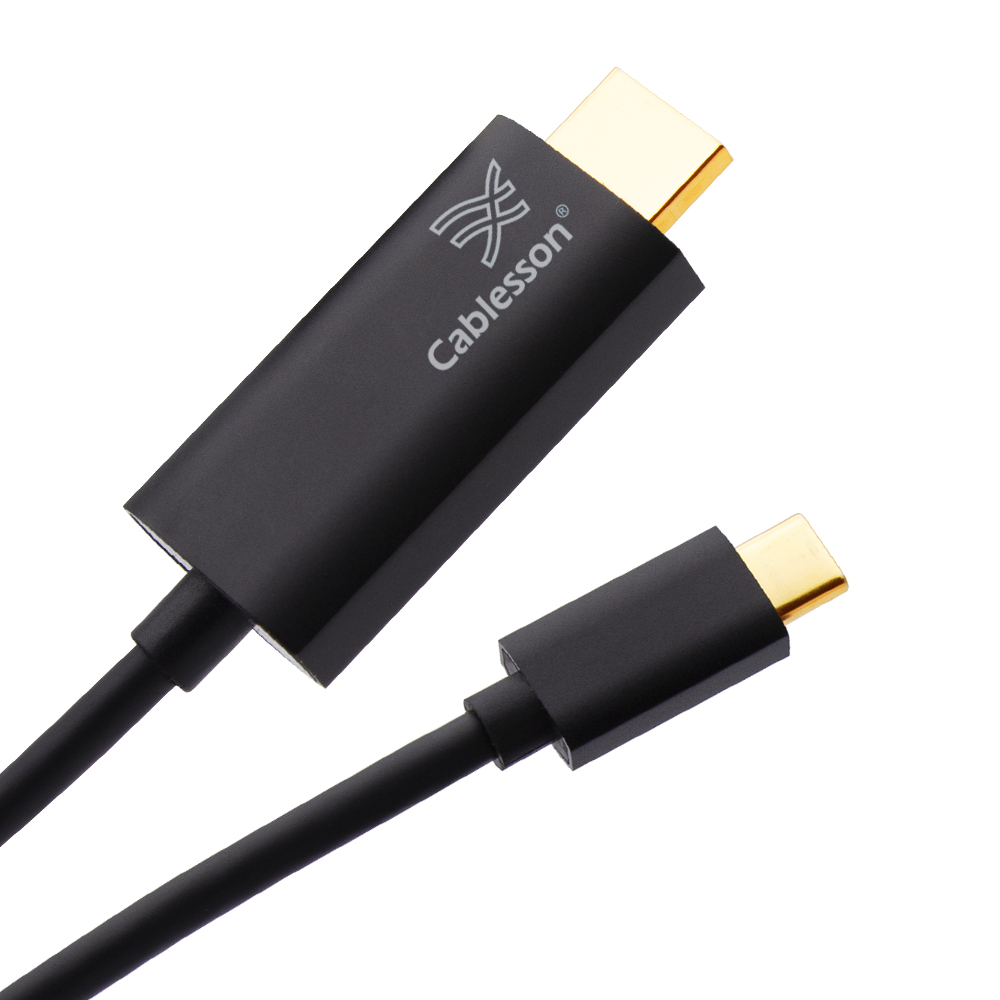
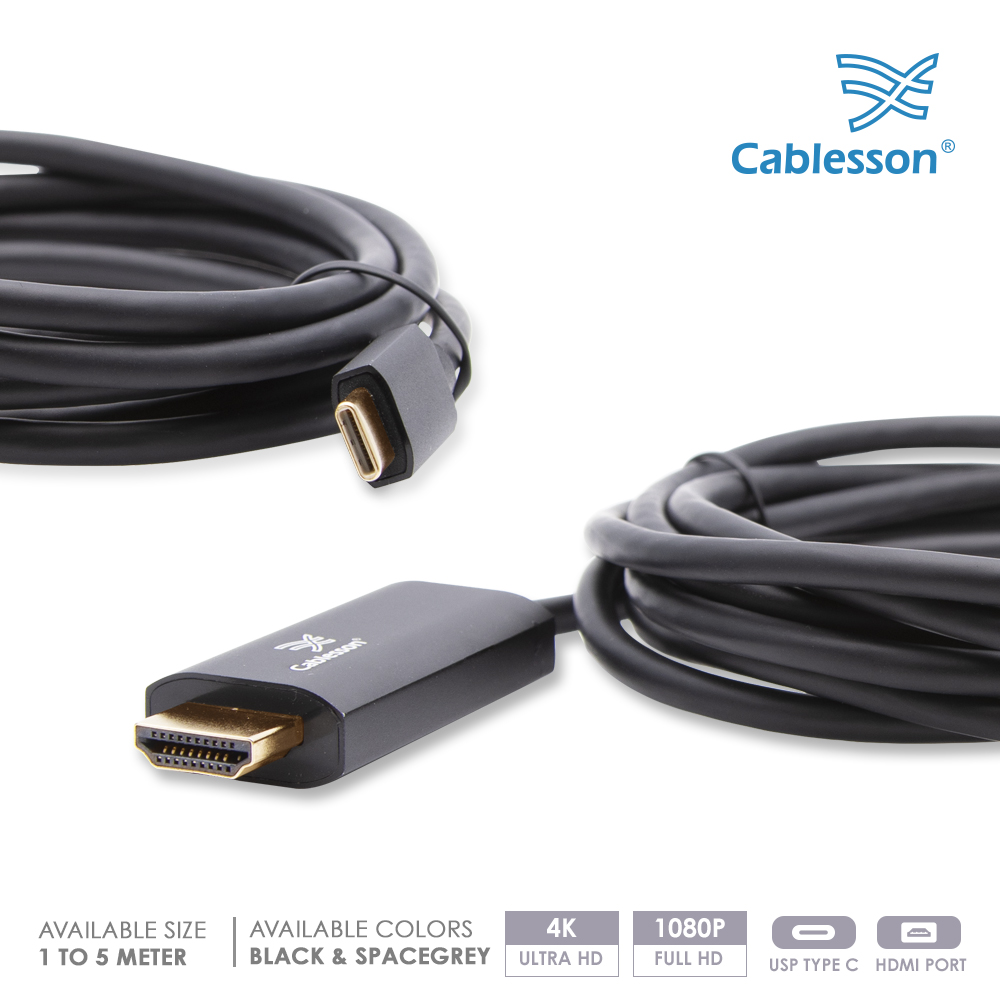
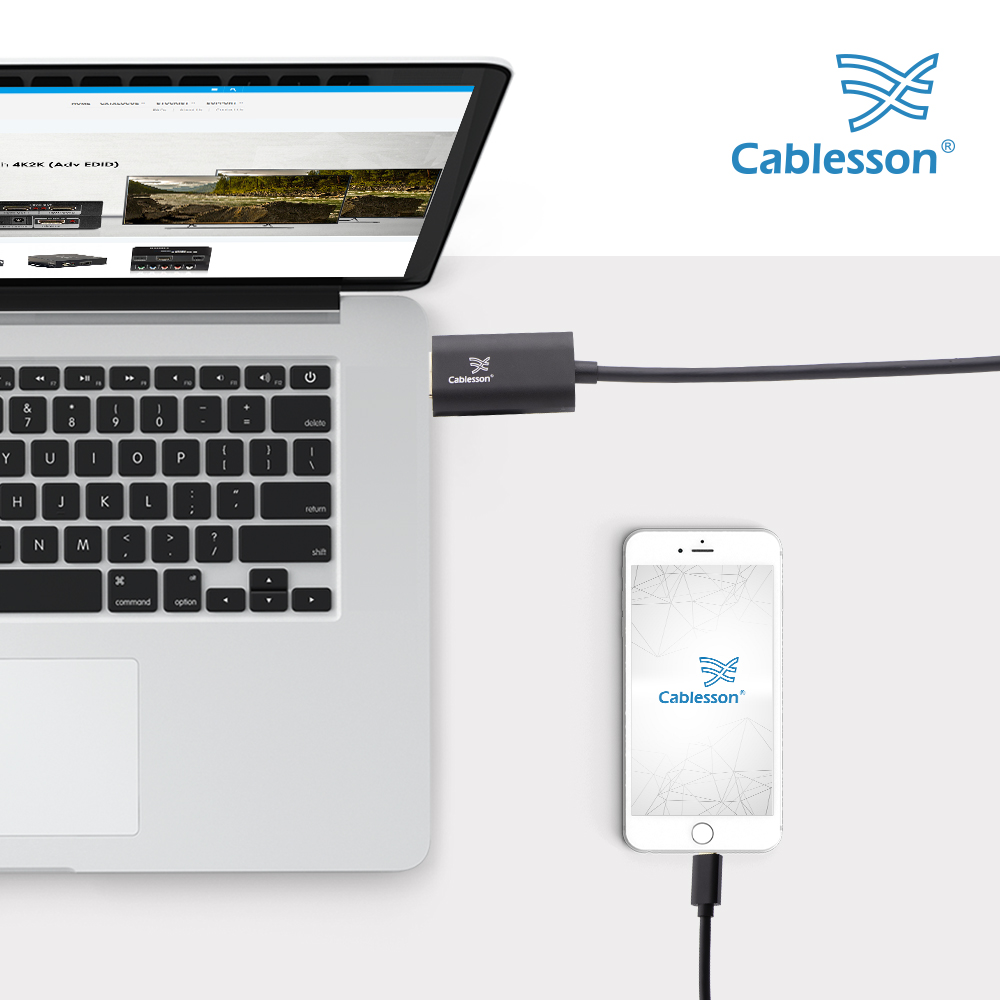
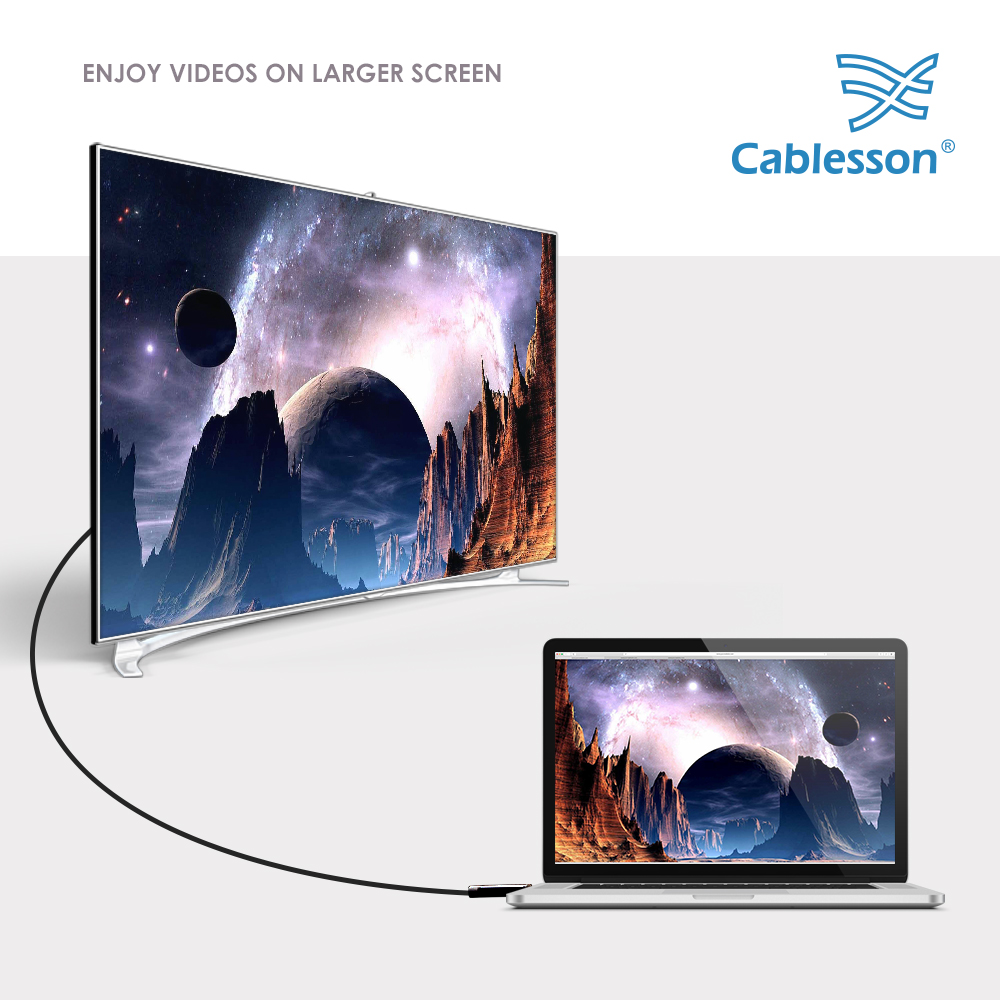
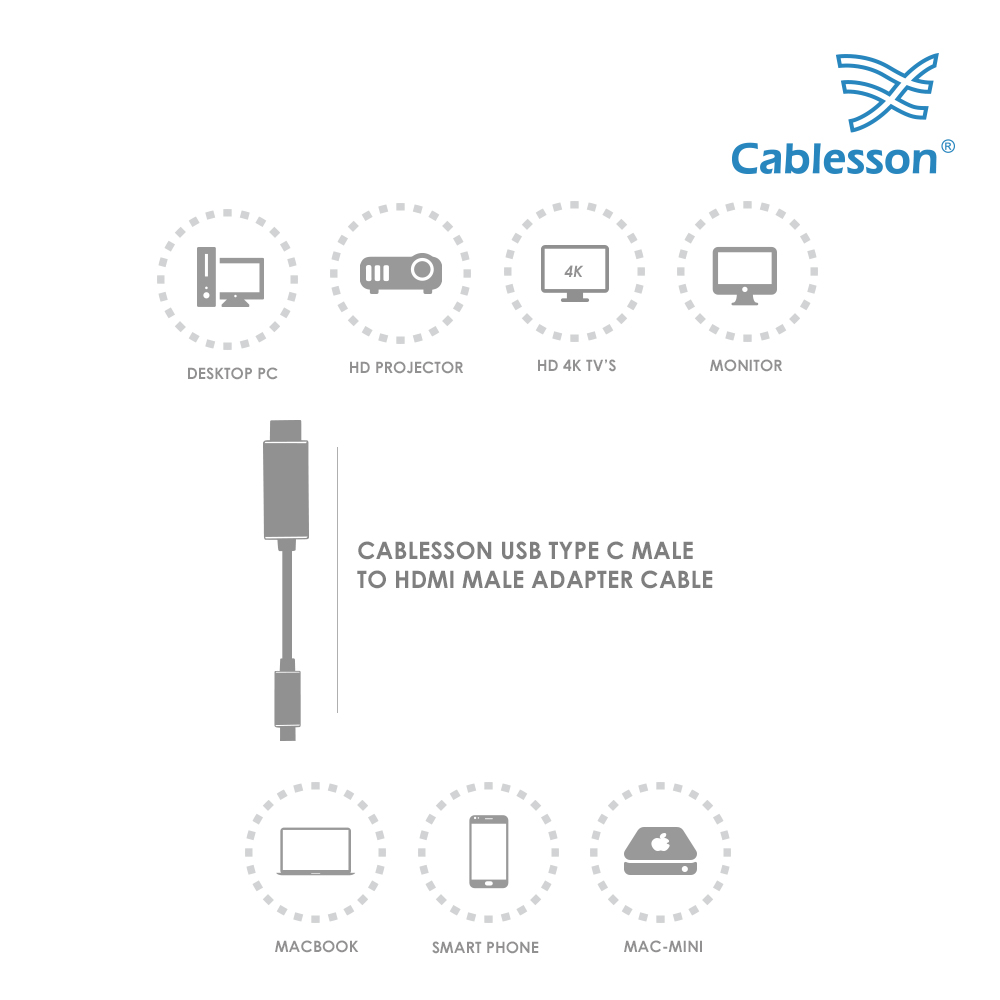



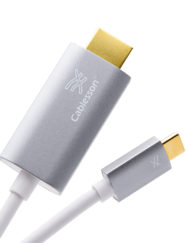
Give your laptop a bigger workspace or bring presentations and video to an HDMI screen with one direct cable. Connect a video-capable USB-C computer to an HDMI monitor, TV or projector, with no separate HDMI cable to keep track of.
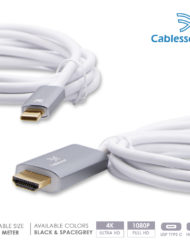
Enjoy up to 3840 × 2160 at 60Hz with a compatible source and display. Choose 2m for a nearby screen, or 3m and 5m for more freedom to position your equipment, in Black or Space Grey.
Selected item: 3m Black / product code 150871
Key features
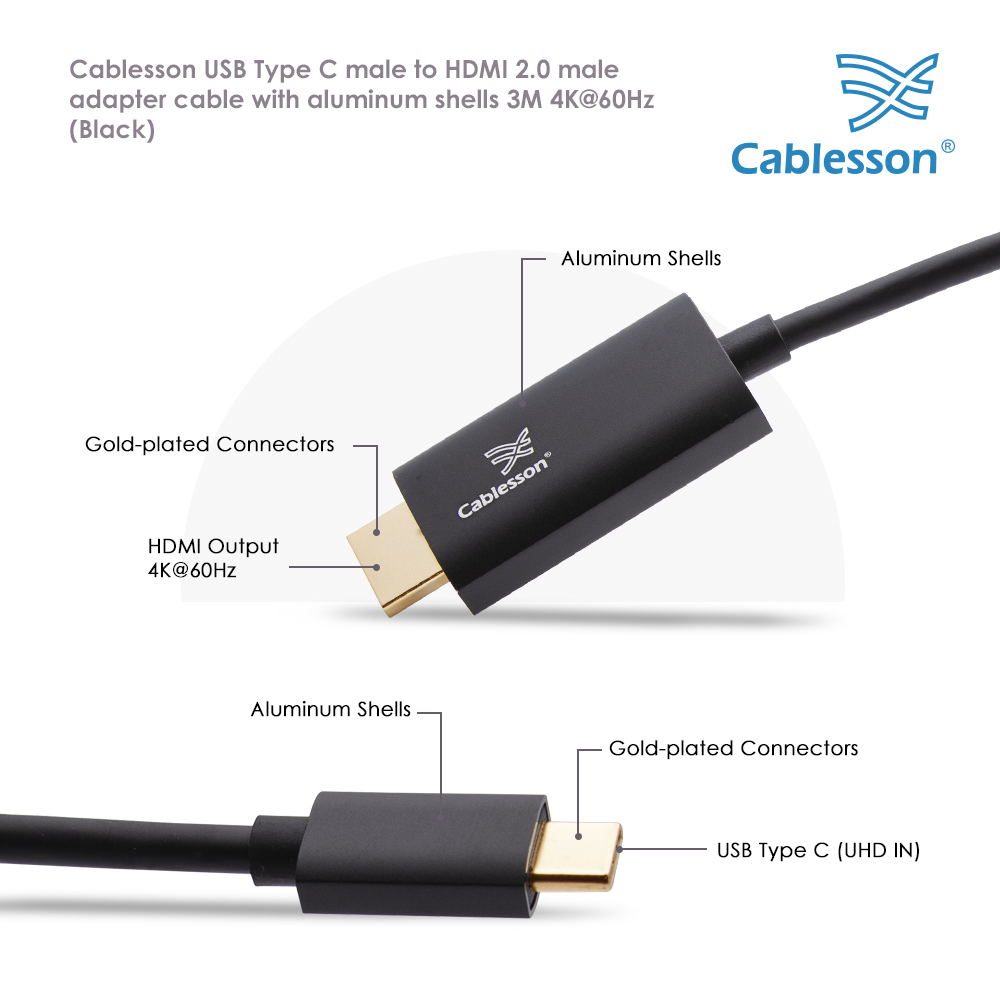
- Direct USB-C male to HDMI male connection keeps a home desk, meeting room or presentation setup straightforward.
- Up to 4K Ultra HD at 60Hz for detailed work and video on a compatible HDMI display; also supports 1080p, 720p and 480p.
- Choice of 2m, 3m or 5m lets you match the cable to the distance between your device and screen.
- Reversible USB-C plug is easy to connect whichever way up you hold it.
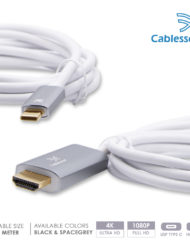
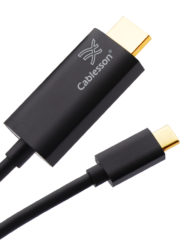
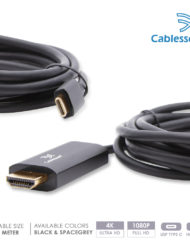
- Aluminium connector shells, with Black and Space Grey options to suit your setup.
Specifications
| Brand | Cablesson |
|---|---|
| Input | USB Type-C male; host must support DisplayPort Alt Mode video output |
| Output | HDMI male |
| HDMI specification | HDMI 2.0, as stated in the product catalogue |
| Maximum stated video mode | 3840 × 2160 at 60Hz, subject to source and display support |
| Other stated resolutions | 1080p, 720p, 480p |
| Length options | 2m, 3m, 5m |
| Colour options | Black; Space Grey |
| Connector shells | Aluminium |
| Warranty | 2 years, as stated in the product catalogue |
| Selected length | 3m |
| Selected colour | Black |
| Product code | 150871 |
Compatibility
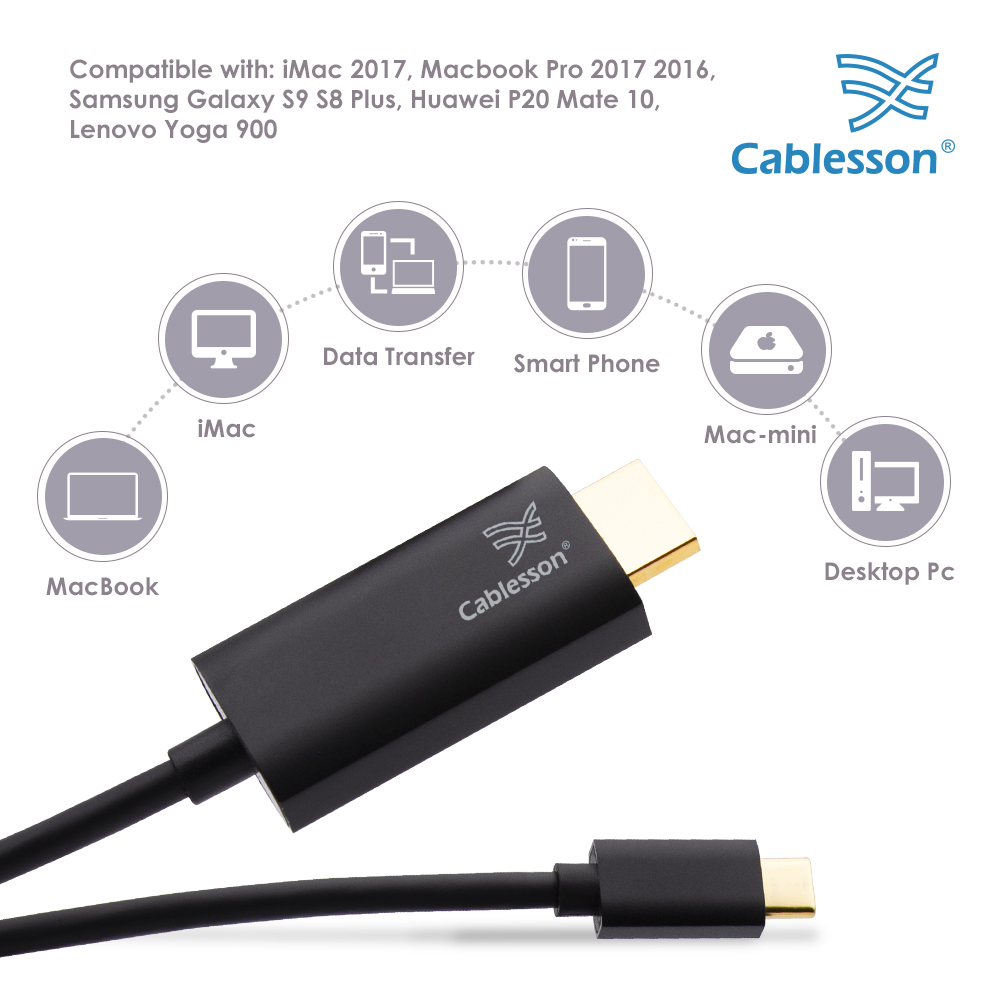
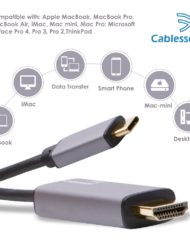
Suitable for computers with USB-C DisplayPort Alt Mode video output, including compatible Thunderbolt USB-C ports, connecting to a display with an HDMI input.
Current examples of suitable video-capable hosts include MacBook Air 15-inch M5 (2026) and Dell XPS 13 9350 (Intel, Thunderbolt 4 model). Set the display to a mode supported by the computer, cable and screen.
iPhone 15 models and iPhone 16 models except iPhone 16e support USB-C external video and USB-C to HDMI connections according to Apple. Video behaviour depends on the app and display.
Before you order
Your USB-C port must support DisplayPort Alt Mode video output; a charging-only or data-only USB-C port will not work.
Connect the USB-C end to the source and the HDMI end to the display. This is not a cable for sending an HDMI source into a USB-C monitor.
4K at 60Hz requires suitable output settings and an HDMI input that accepts that mode. Higher refresh rates, HDR, VRR and charging pass-through are not specified for this product.
Select the required length and colour in the listing options. Images may show other variants.


Reviews
There are no reviews yet.